
Set Custom Greeting
1️⃣ Go to “Incoming Call Settings”
From your dashboard, click:
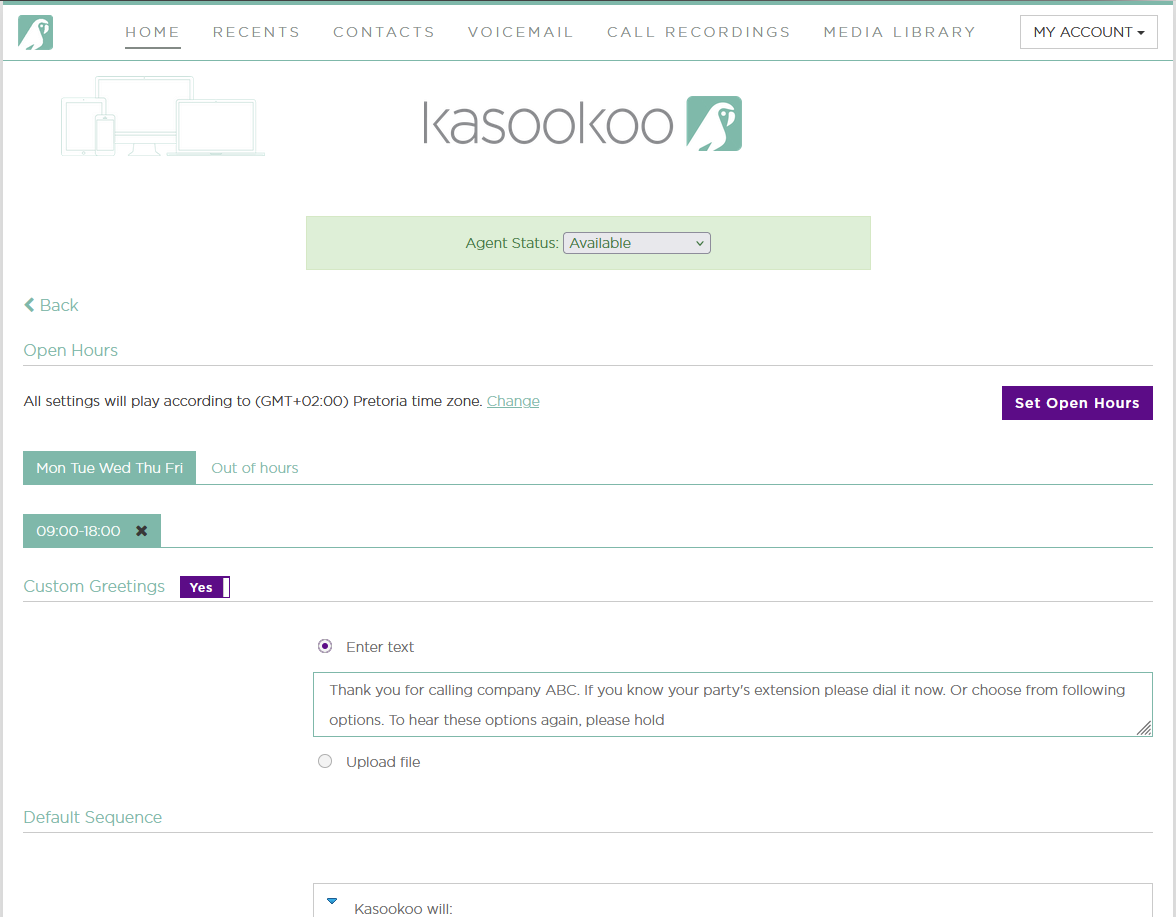
2️⃣ Choose how to set your greeting:
You have two options for your welcome message:
💬 Type a custom message
Our AI will convert your text into a professional-sounding voice greeting.
📁 Upload a pre-recorded audio file
Upload your audio in the Media Library tab, then select it here to play for callers.
3️⃣ 💾 Click “Save”
Once your greeting and other incoming call settings are configured, click Save to apply the changes.
✅ Your virtual receptionist will now greet callers with your selected message.
Updated about 1 year ago
Did this page help you?