
How can I reset my password?
How to Reset Your Password -
1️⃣ Go to the login page
Visit www.kasookoo.com/login

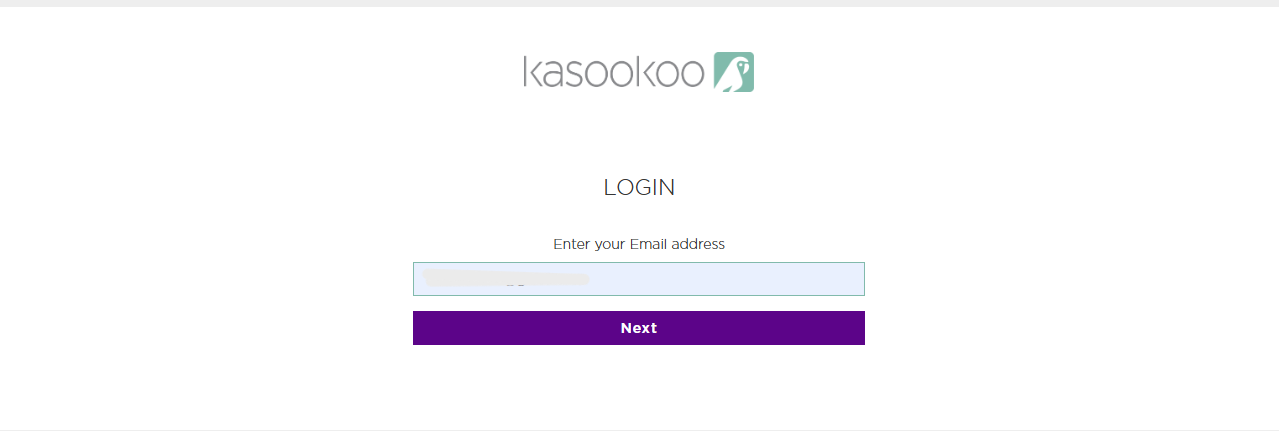
2️⃣ Select Login using email
Enter your email address and click Next.
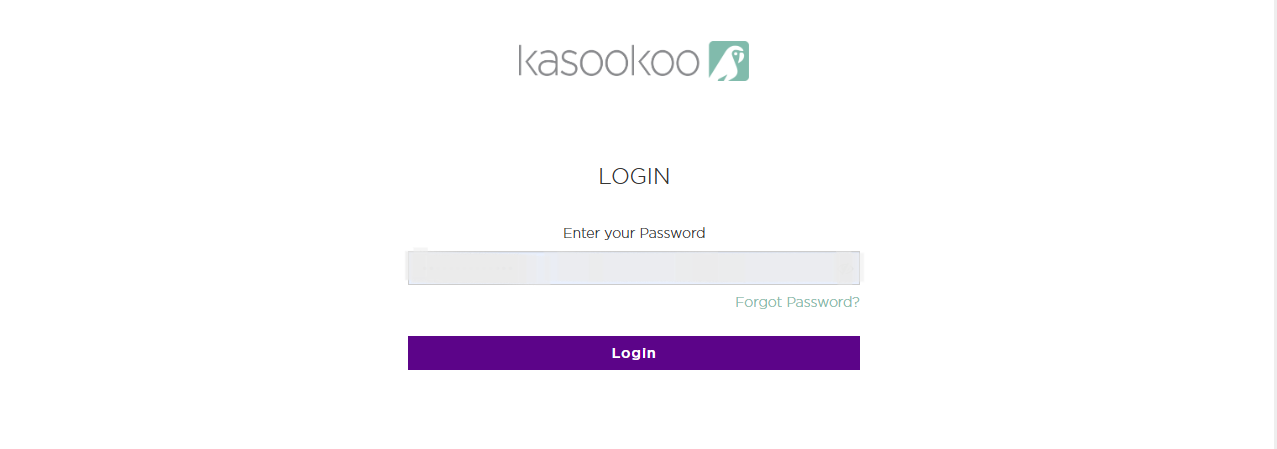
3️⃣ On the password page, click Forgot password
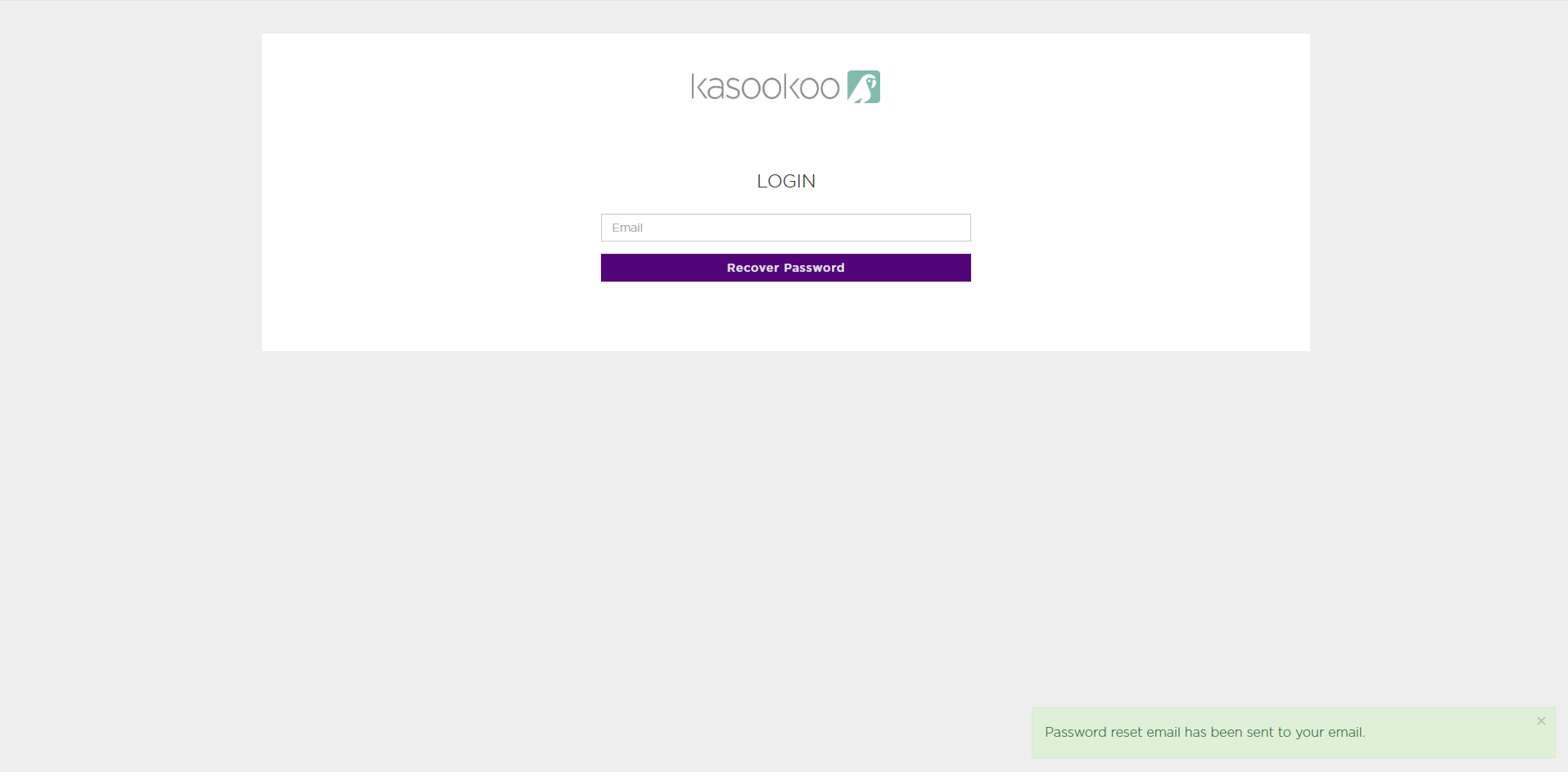
4️⃣ Enter your email and click Recover password
A reset email will be sent to your inbox.
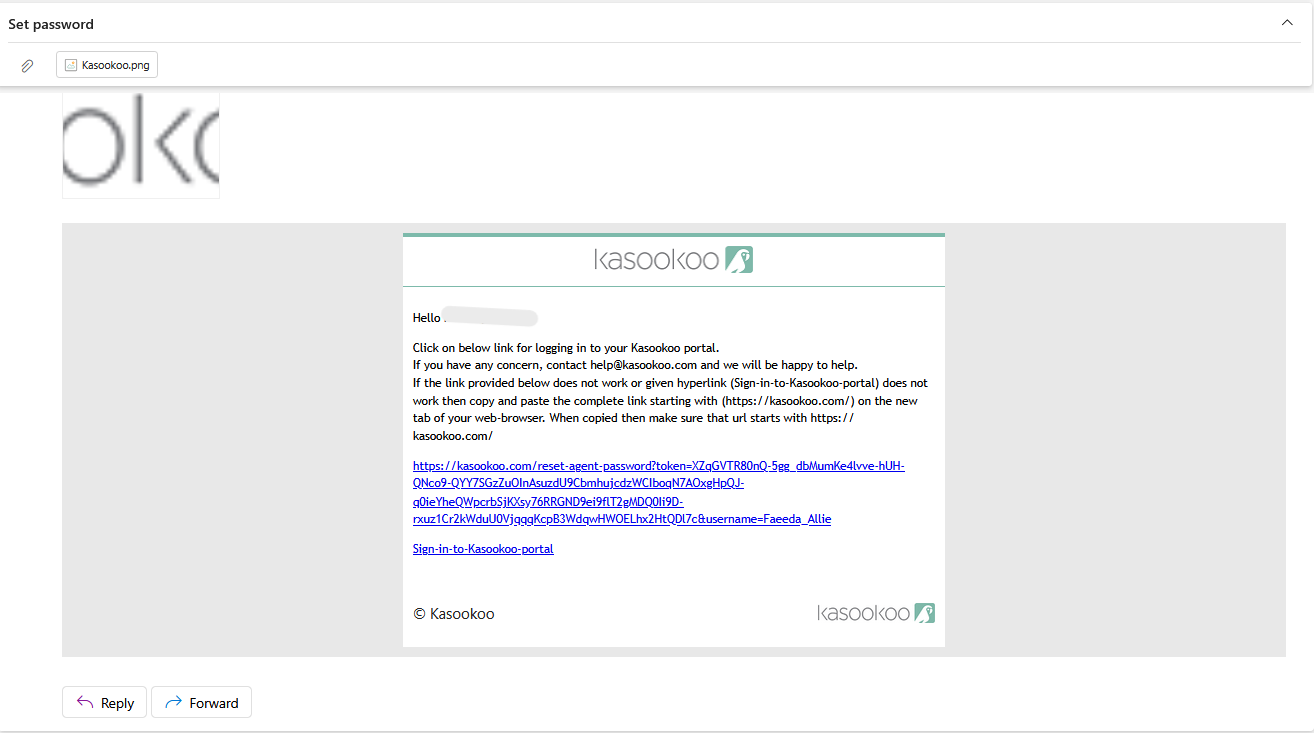
5️⃣ Open the reset email and click the Reset Password link
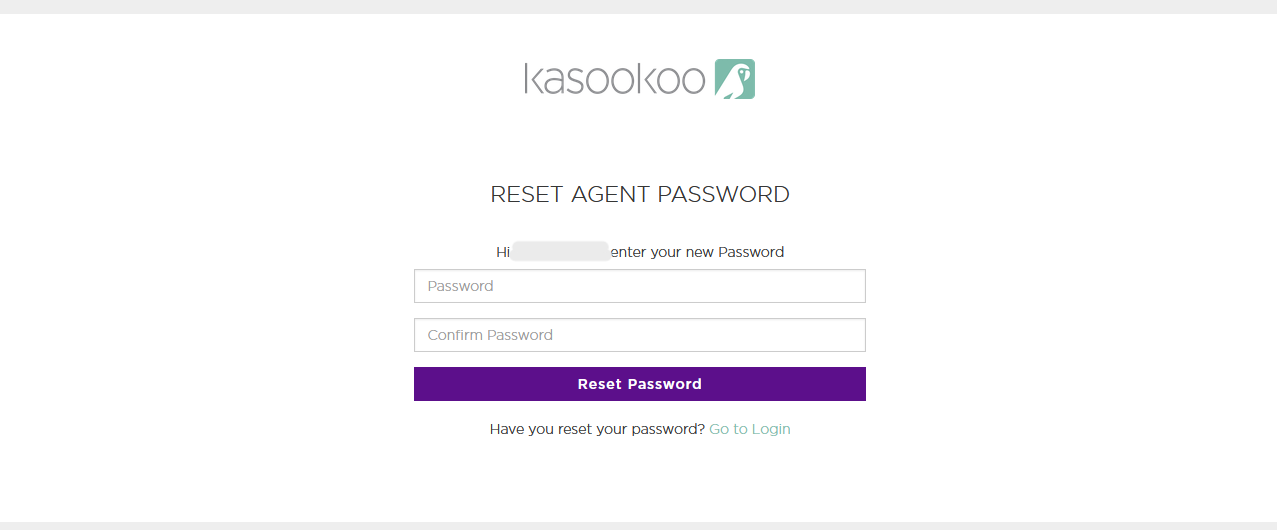
6️⃣ Set your new password
Enter and confirm your new password, then click Reset password.
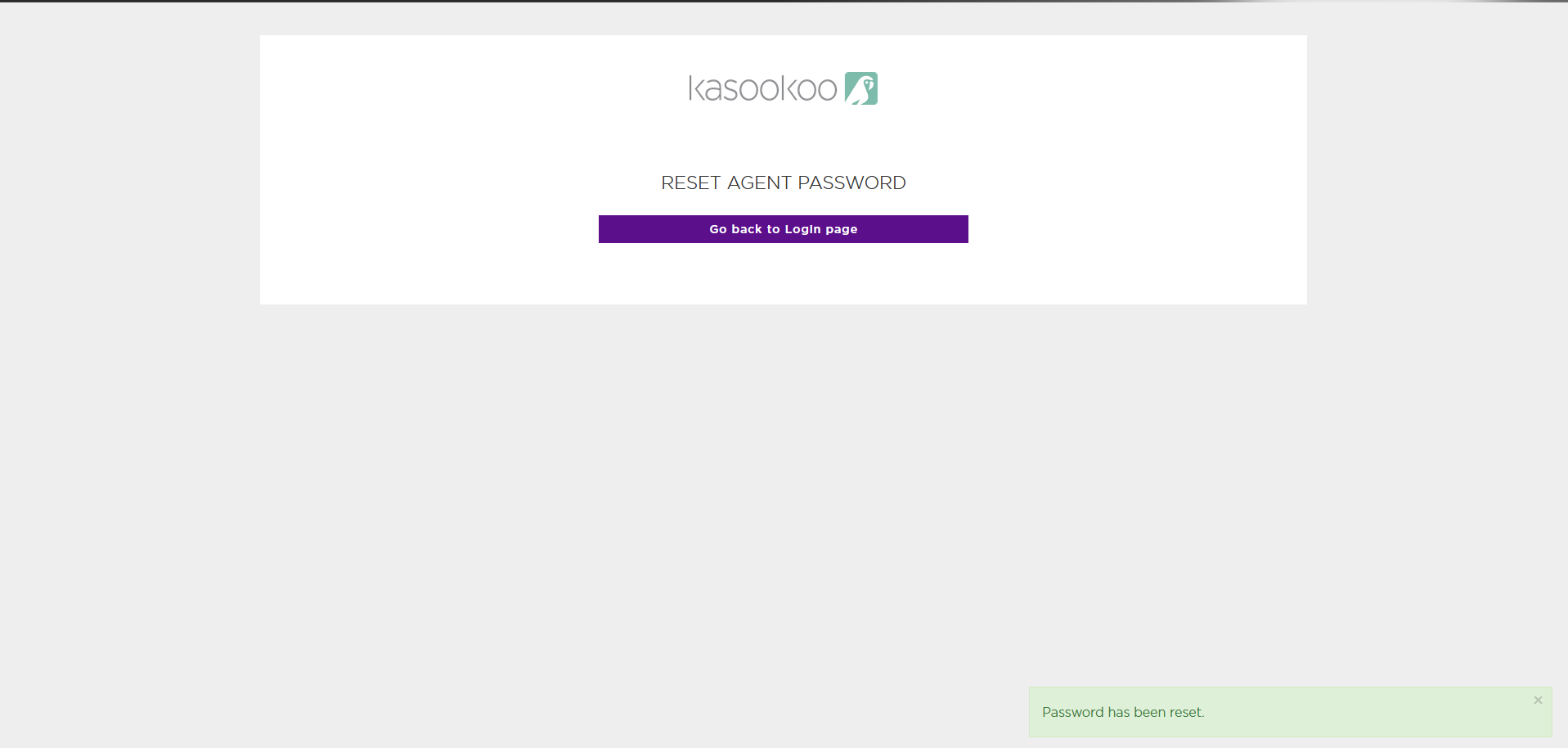
7️⃣ Click Go back to login page
Then, log in using your new password.
Updated about 1 year ago
Did this page help you?