
How to Receive a Call
1️⃣ Set your status to Available
Before you can receive calls, ensure your status is set to Available so incoming calls can reach you.
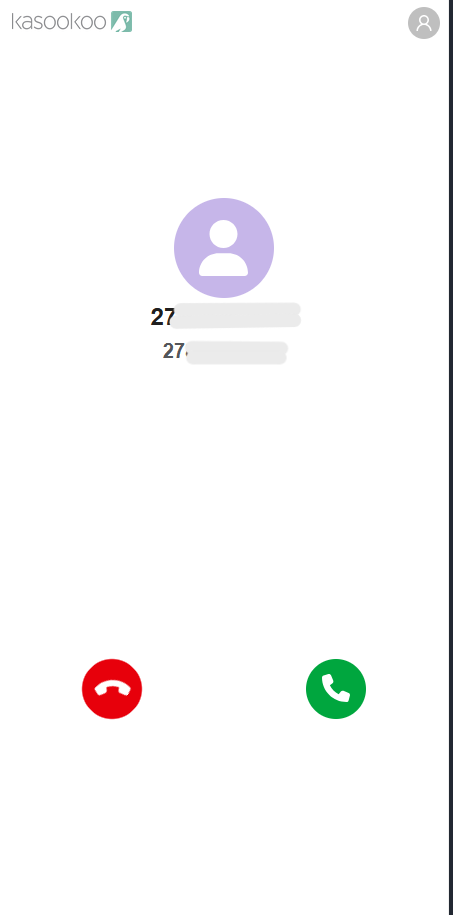
2️⃣ Incoming call notification
When a customer calls:
The customer’s number will display on dialler
You’ll see which number of yours is receiving the call.
3️⃣ Answer the call
When the call comes in:
Click the Answer button to accept it.
4️⃣ In-call controls
Once connected, you will have access to standard call controls:
Speaker Off: Toggle speaker on/off for hands-free calling.
Mute: Mute your microphone during the call.
Hold: Place the caller on hold.
DTMF (Dual-Tone Multi-Frequency)/ Keypad : Send dial tones (useful for navigating automated menus during a call).
Transfer : Transfer the active call to another number or extension. - Attended and Blind Transfers
End : End the call.
Updated over 1 year ago