
Login
Follow these steps to log in to the KChat platform as an Agent or Administrator.
-
Open the Login Page
Navigate to the KChat URL associated with your account:xxx.kchat.live. -
Enter Your Login Credentials
Enter the username or email address and password associated with your account.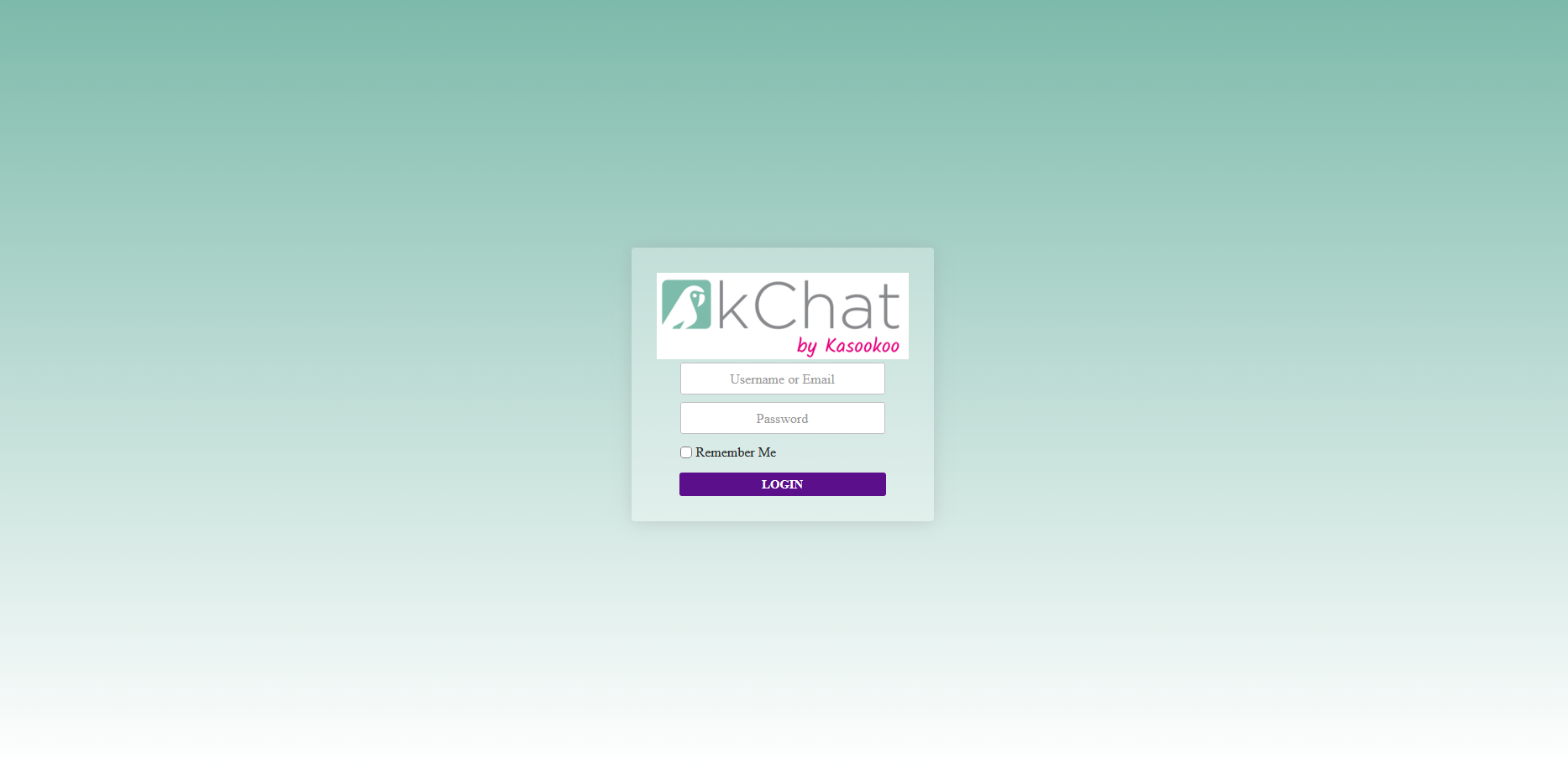
-
Remember Me (Optional)
Select the Remember Me checkbox to keep your session active for up to one week, subject to the platform's session and security settings. -
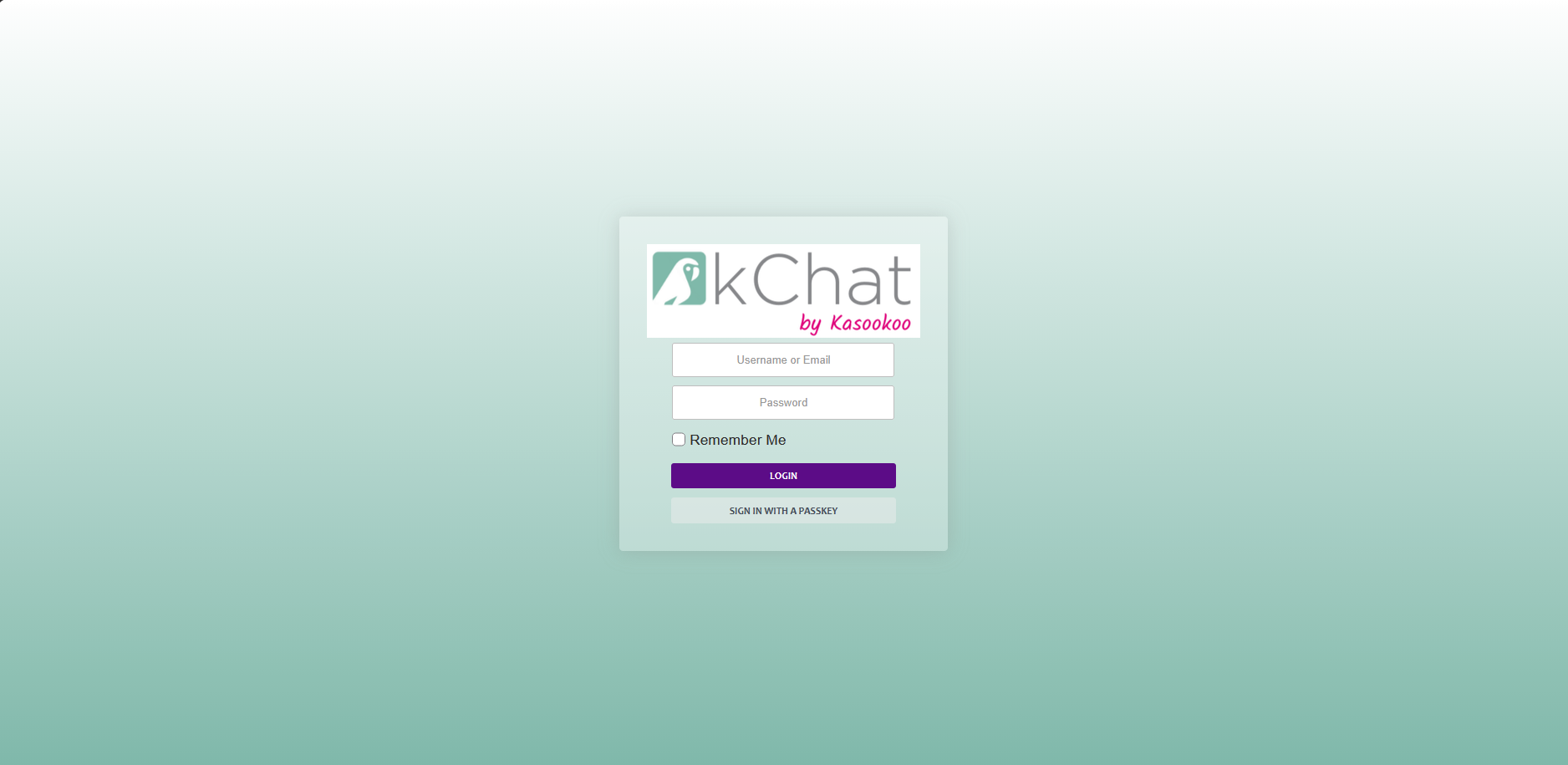
Alternative Authentication (Optional)
If your administrator has enabled authenticated login methods, you may also be able to sign in using:-
Email authentication
-
WebAuthn passkey authentication, if configured for your account and supported by your device and browser.
-
-
Access the Dashboard
Once authentication is successful, you will be redirected to the appropriate dashboard based on your account role and permissions.
Note: If you cannot log in, verify that you are using the correct account URL and credentials. If the issue persists, contact your system administrator for assistance.
Updated 11 days ago