
View Call History
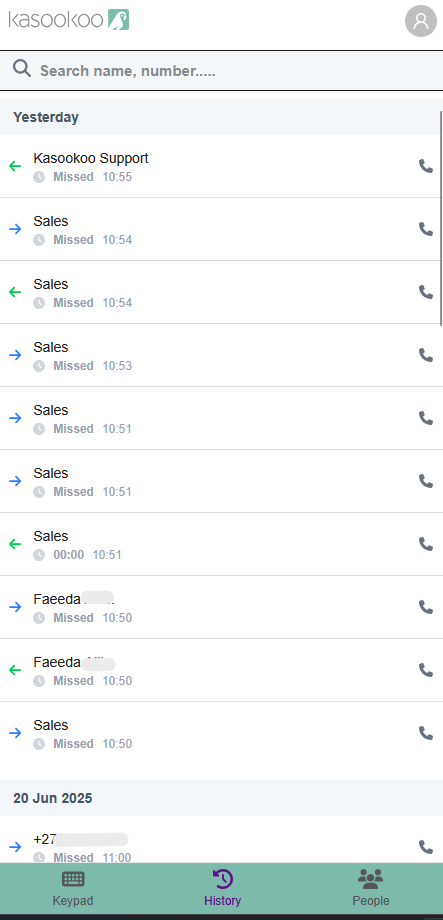
1️⃣ Navigate to the History tab
Open your dialler app and go to the History tab.
➡ This will display a list of all your recent calls. (Incoming, Missed and Outbound)
2️⃣ Important notes about history
⚠️ The call history in the dialler depends on your browser’s cache.
If you log in on a different browser,
use a private/incognito window,
or clear your cache —
the local history will no longer appear.
3️⃣ Access full records in Kasookoo Client Portal
✅ To view complete and accurate call records, log in to the Kasookoo Client Portal using your credentials.
➡ All call data is securely stored there and accessible anytime.
Updated over 1 year ago
Did this page help you?