
How to Make a Call Transfer
How to Make a Call Transfer
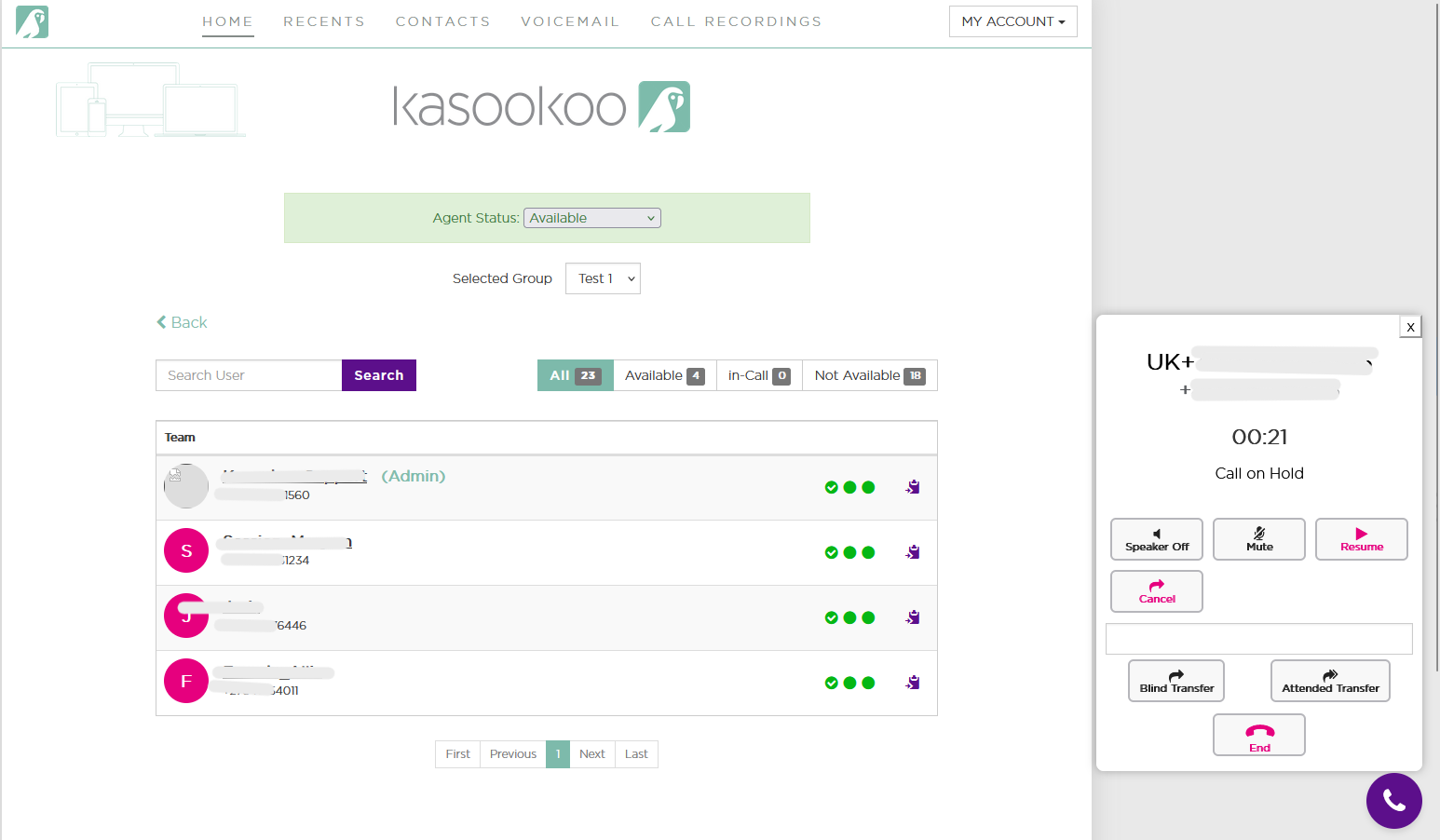
During an active call (inbound or outbound), follow these steps to transfer the call:
1️⃣ Blind Transfer
Select Blind Transfer from the transfer options.
➡ The current call will be placed on hold.
Enter the short code of the team member you wish to transfer the call to.
Once the call starts ringing on the other team member’s device,
➡ The call will immediately end on your side.
2️⃣ Attended Transfer
Select Attended Transfer from the transfer options.
➡ The current call will be placed on hold.
Enter the short code of the team member you want to transfer the call to.
You’ll first connect with the team member for a brief discussion.
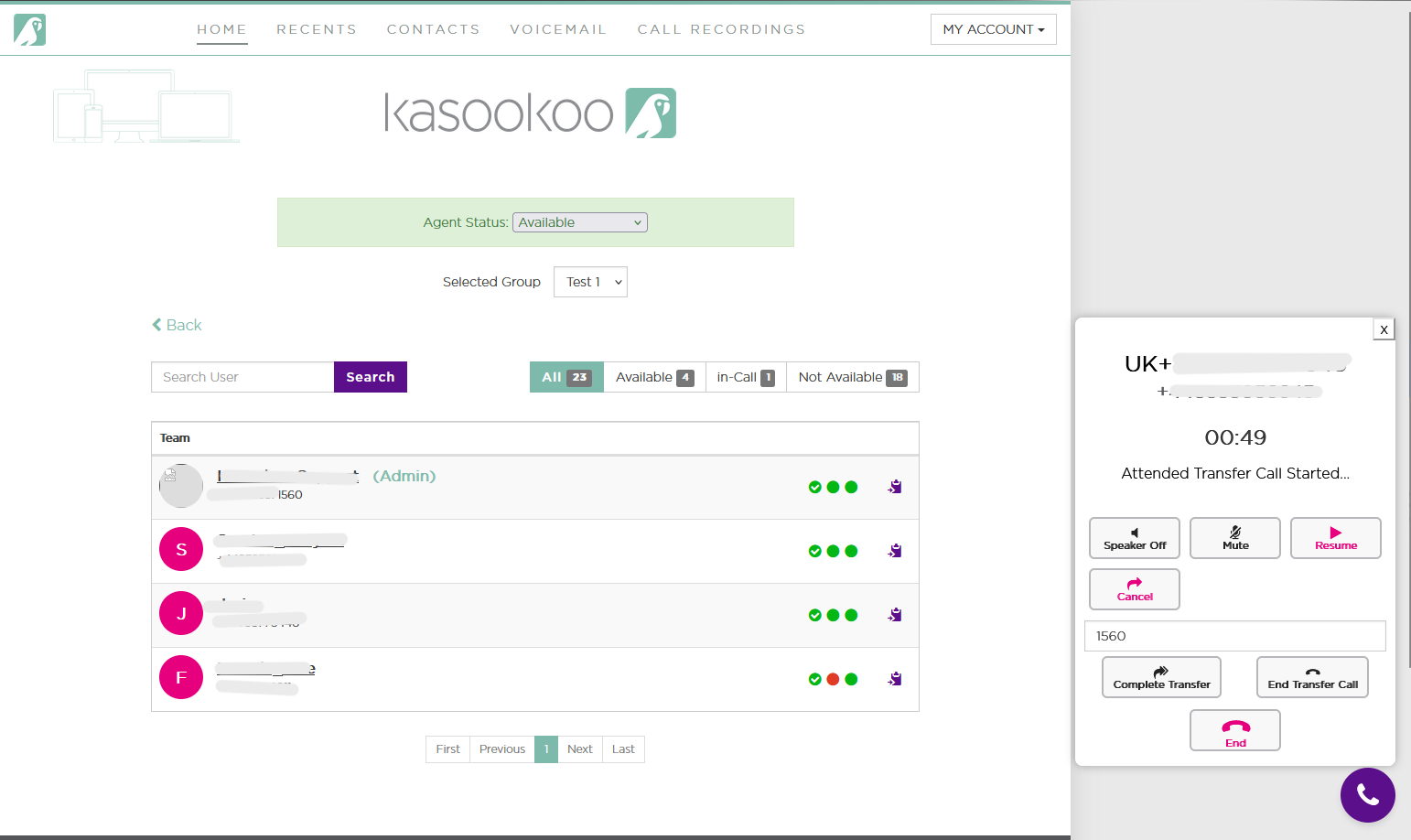
Then:
Select Complete Transfer to hand over the call, or
Select Cancel Transfer if the transfer is no longer needed (e.g., you gathered the necessary information).
Updated about 1 year ago