
How to add agents
Adding a New Agent
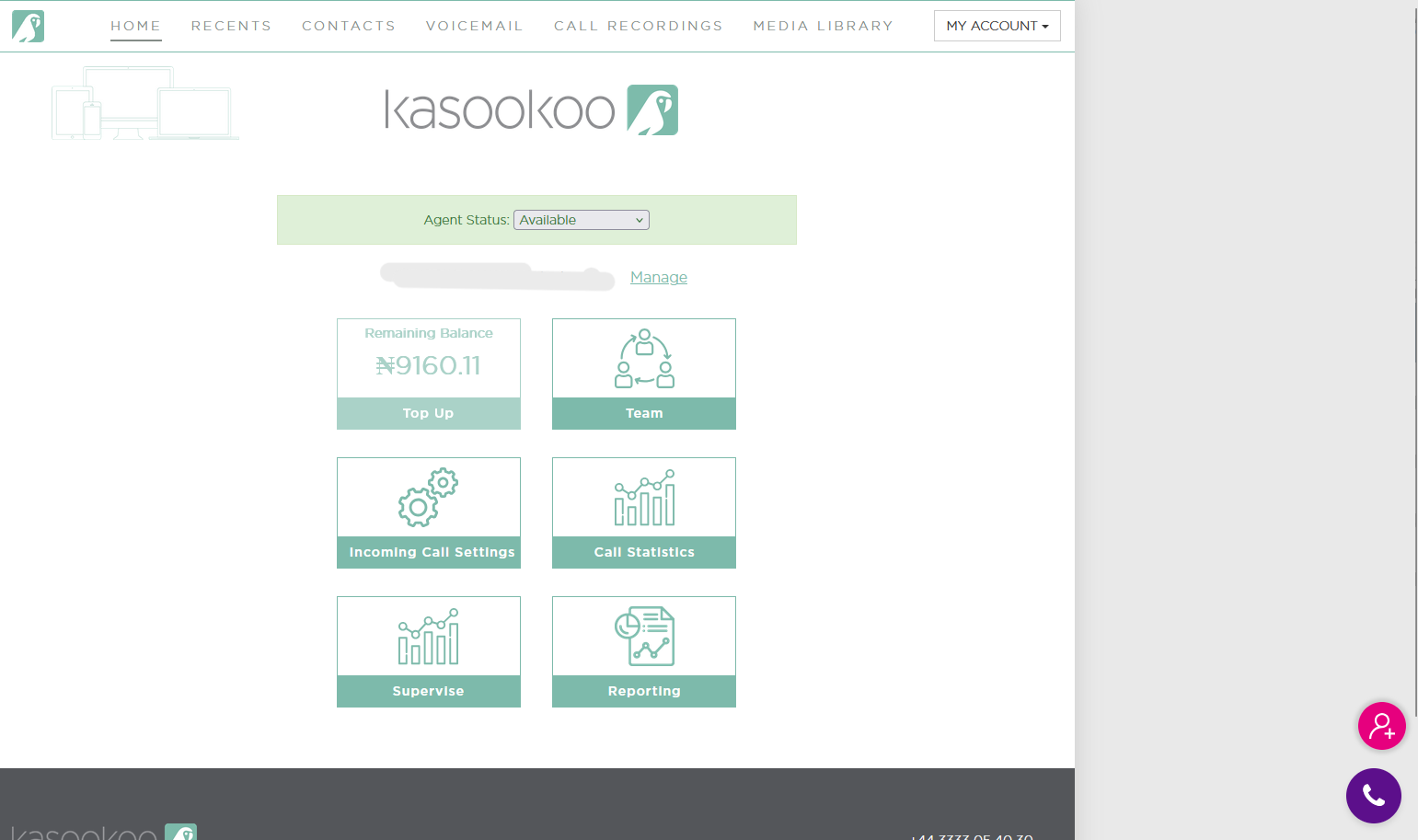
1️⃣Click the Pink "+" Button
Located in the bottom-right corner of the main screen or team management section
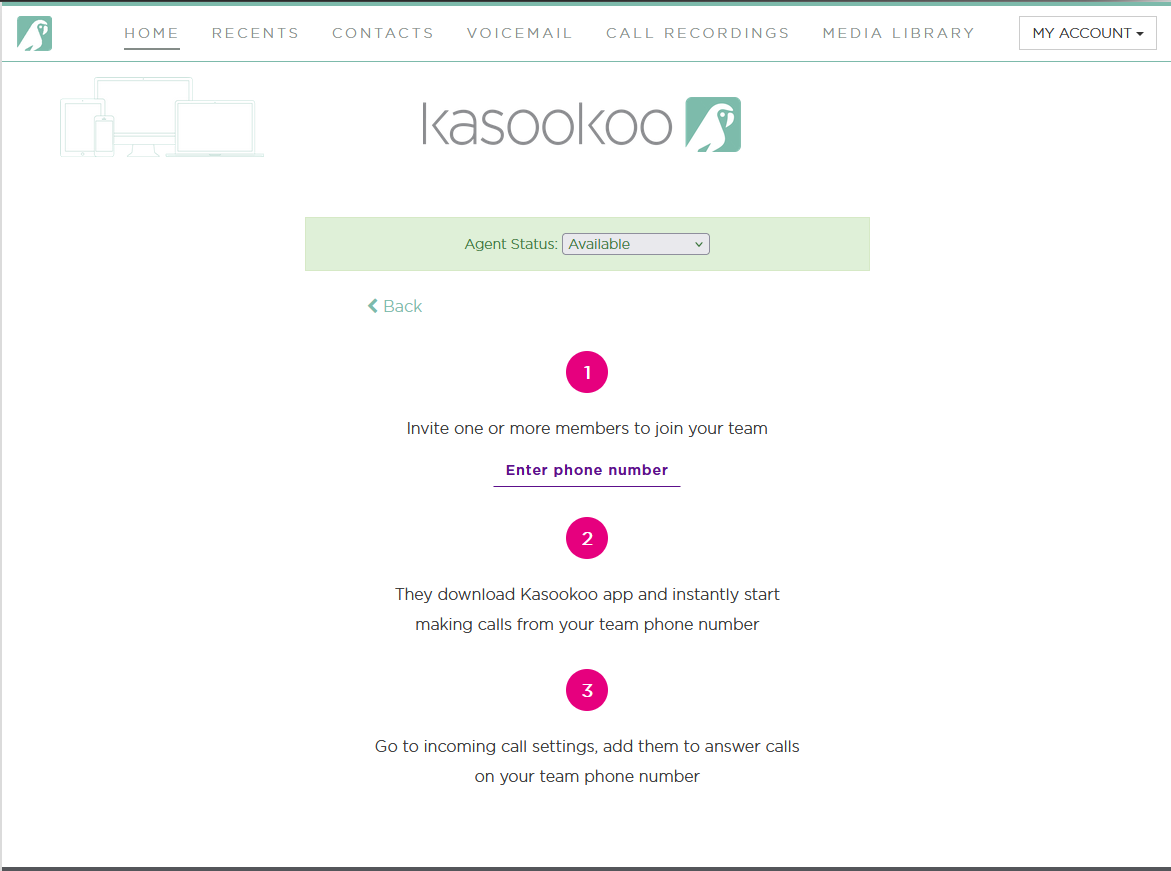
2️⃣Select “Enter Phone Number”
You'll be prompted to input the agent’s details
3️⃣Enter Agent Details:
Phone Number: Include full mobile number with area code
Country Code: Choose the correct country code from the dropdown
Email Address: Enter a unique email (duplicate emails are not allowed)
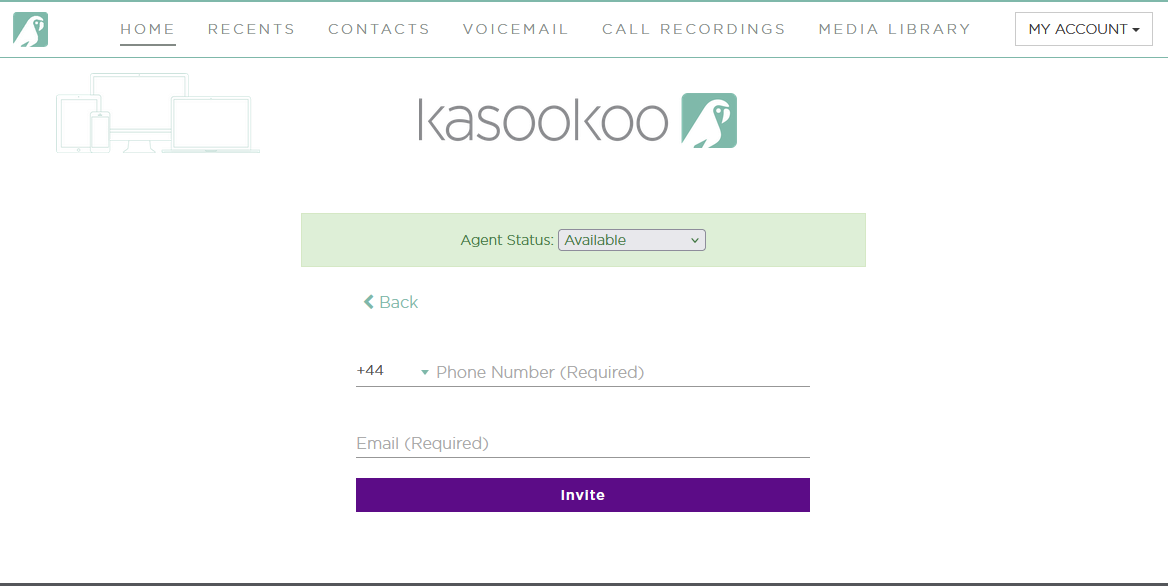
4️⃣Click “Invite”
An invitation is sent to the agent’s email with setup instructions
📧 Agent Notification & Setup
The invited agent receives a Kasookoo email with login instructions
They are directed to use the Kasookoo in-browser application
Updated about 1 year ago
Did this page help you?