
How to configure the incoming call settings.
Setting Up Your Virtual Receptionist & Incoming Calling Queues
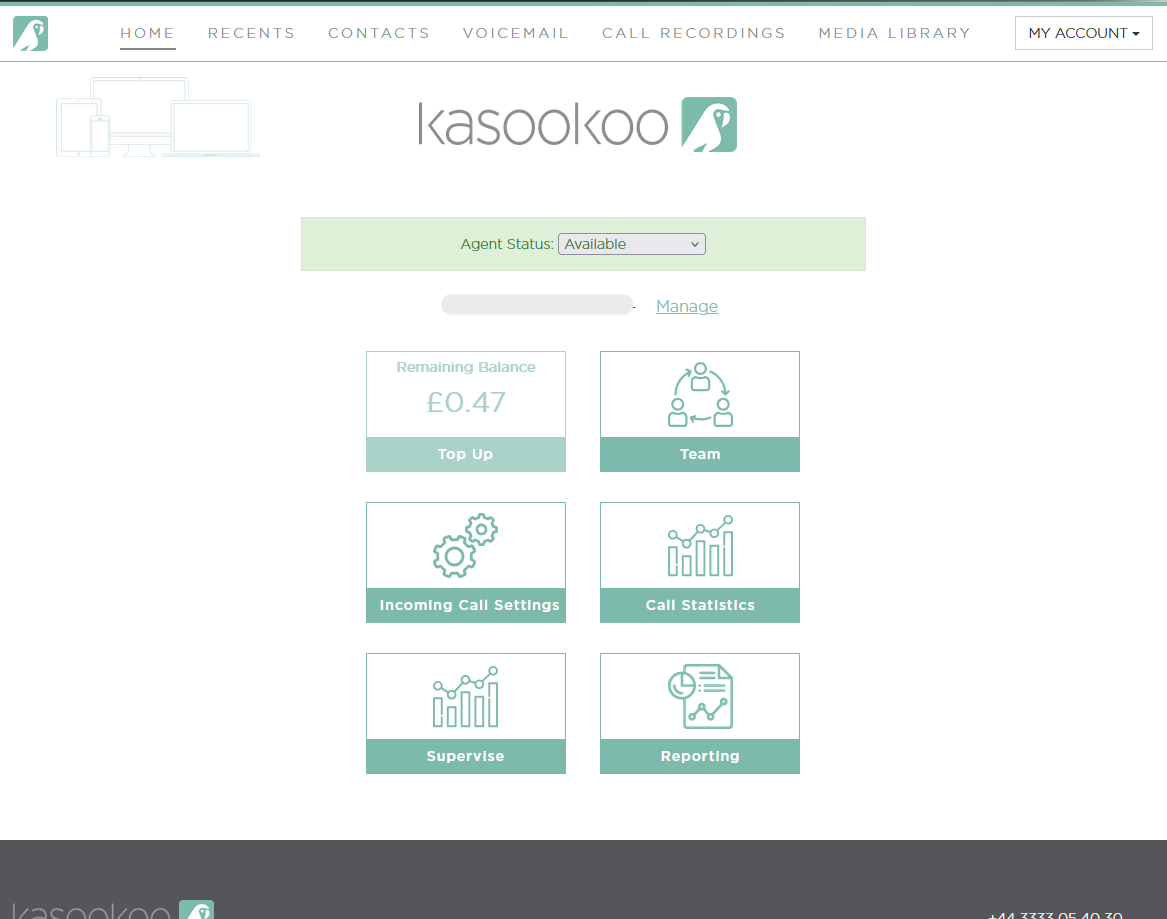
1️⃣ Log in to your Kasookoo Dashboard
Access the system at www.kasookoo.com/login
2️⃣ Go to Incoming Call Settings
From the main dashboard menu, select Incoming Call Settings to manage how inbound calls are handled.
3️⃣ Select “Add IVR / Virtual Receptionist”
Click the Add IVR / Virtual Receptionist button to start setting up your phone menu.
4️⃣ Configure the IVR options:
📅 Open Hours
Define your business hours to control when the IVR is active.
📢 Custom Greetings
Upload or record a custom message callers will hear (e.g., "Thank you for calling...").
🔢 Choices / Departments
Set the menu options:
Press 1 for Sales
Press 2 for Support, etc.
🕒 Default Sequence
Define what happens if no input is received (e.g., route to voicemail or operator).
5️⃣ 💾 Save your IVR settings
Once complete, click Save to activate your virtual receptionist.
Updated about 1 year ago