
Internal Calling
1️⃣Go to the Teams Tab
Navigate to the Teams section from the main menu.
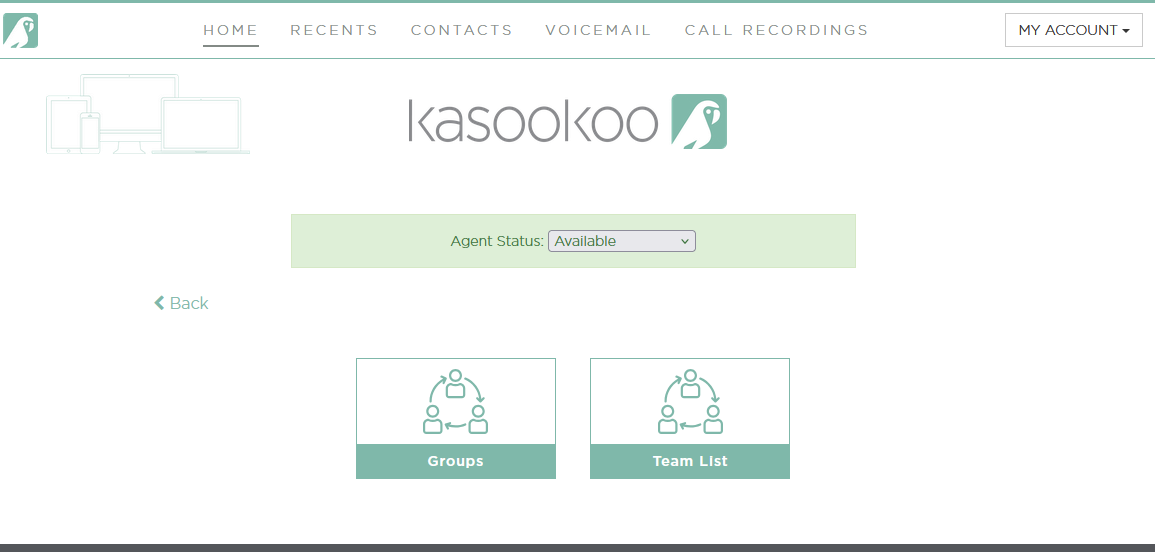
2️⃣Open the Team List Tab
Click on the Team List tab to view all team members.
3️⃣Filter by Available Agents
Use the filter option to display only agents marked as Available.
4️⃣Select the Agent
Click on the name of the agent you want to call.
5️⃣Open the Dialer
Click to launch the dialer interface.
Enter the 4-Digit Short Code
Type the agent’s 4-digit internal short code.
Updated about 1 year ago
Did this page help you?