
How to download or export call data
✅ Steps to Follow:
1️⃣Log in to your Kasookoo Dashboard
2️⃣Navigate to the “Recent” tab in the main menu
On the Recent page:
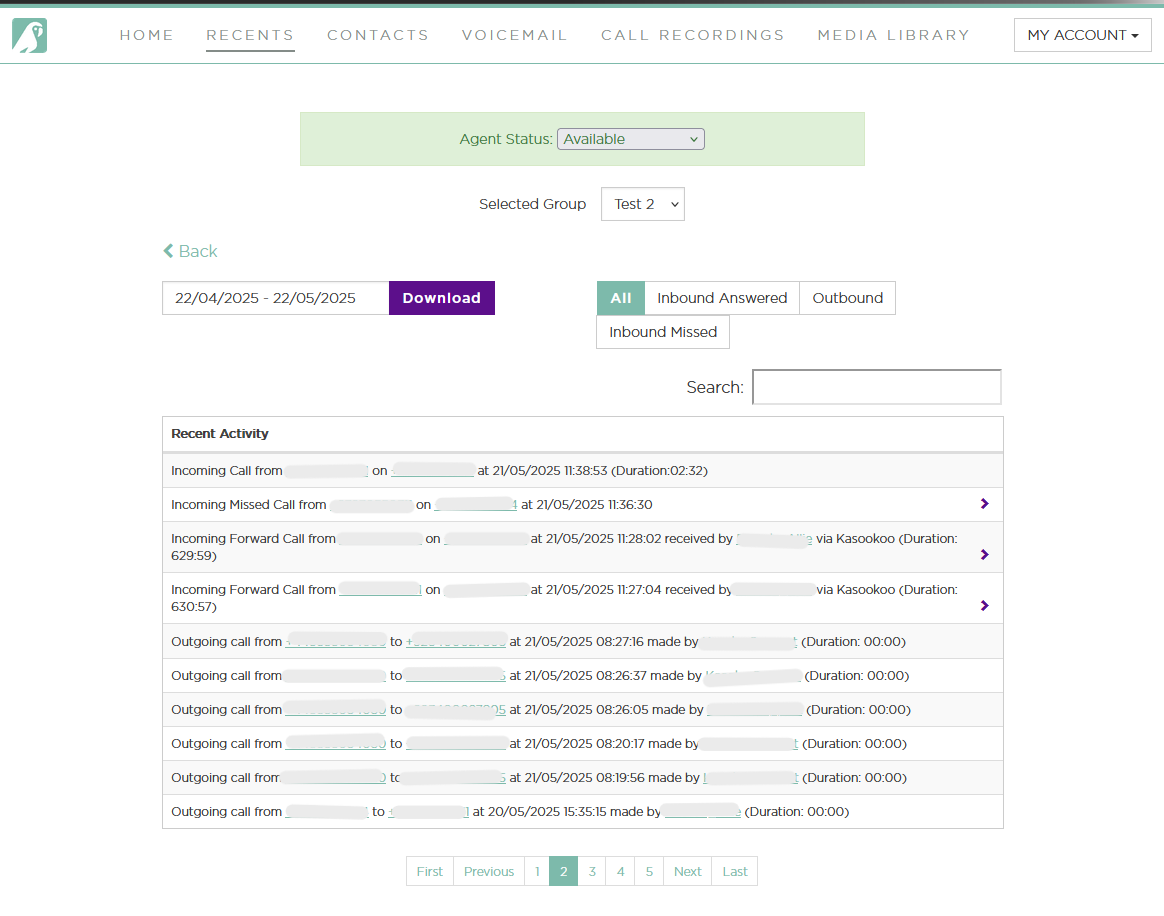
3️⃣Select your desired date range
4️⃣Click the purple download icon
The call records will be downloaded in a CSV file format, which can be opened in Excel or Google Sheets for review.
💡 Tip: You can filter by agent or call type before downloading for more specific reporting.
Updated about 1 year ago
Did this page help you?