
Login
How to login to the Kasookoo Client portal
Each Kasookoo Pro user has access to the web portal. Follow these steps:
1️⃣ Go to the login page
Visit www.kasookoo.com and click Login
Or go directly to www.kasookoo.com/login

2️⃣ Enter your login details
You can log in using your email address or phone number

3️⃣ First-time login setup
If logging in for the first time, you will receive an email at your registered address with instructions to set your password
4️⃣ Complete login
Enter your email address and password
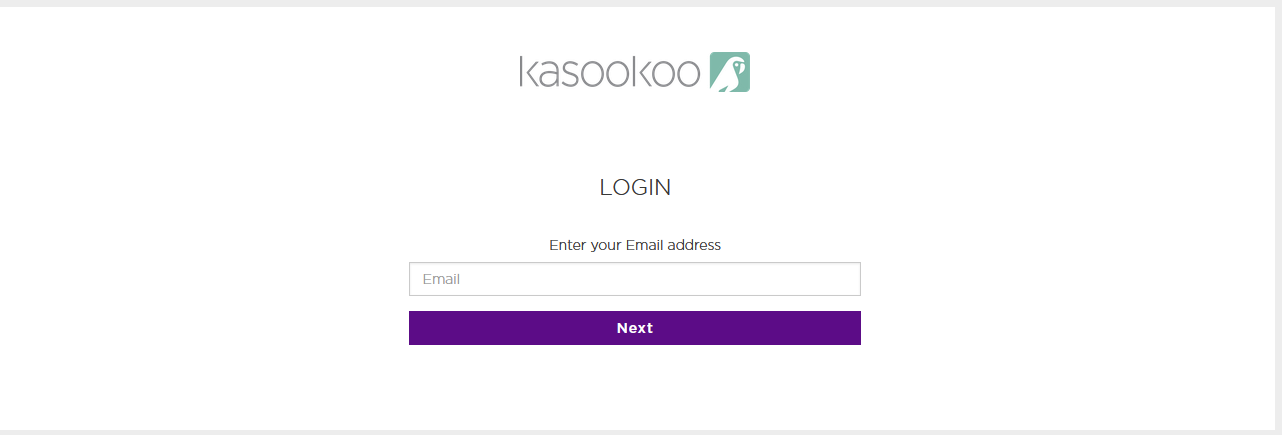
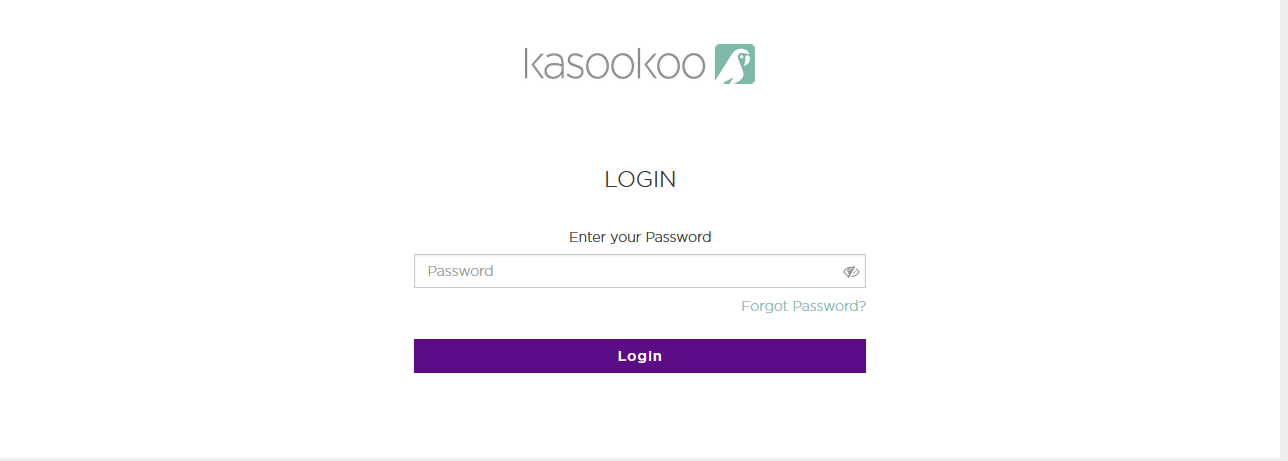
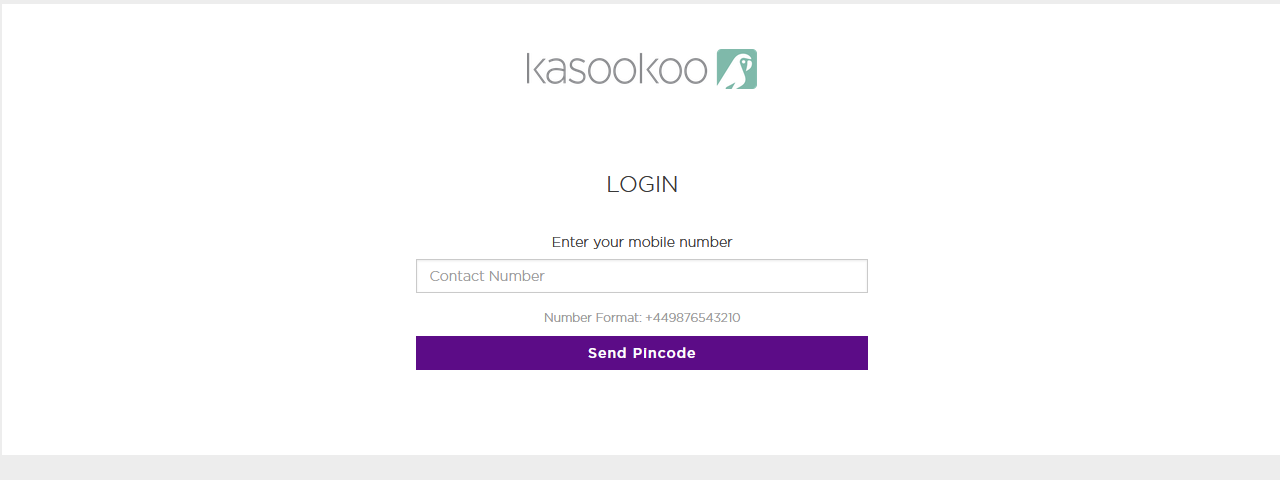
Provide your phone number (with country code)
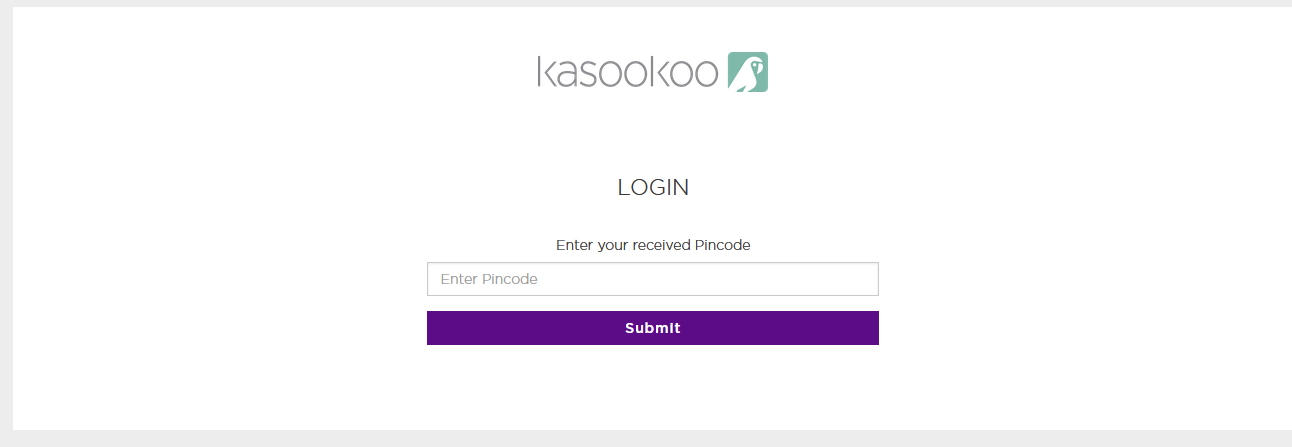
A PIN code will be sent to your registered email
Enter the code and click Submit
Updated about 1 year ago
Did this page help you?